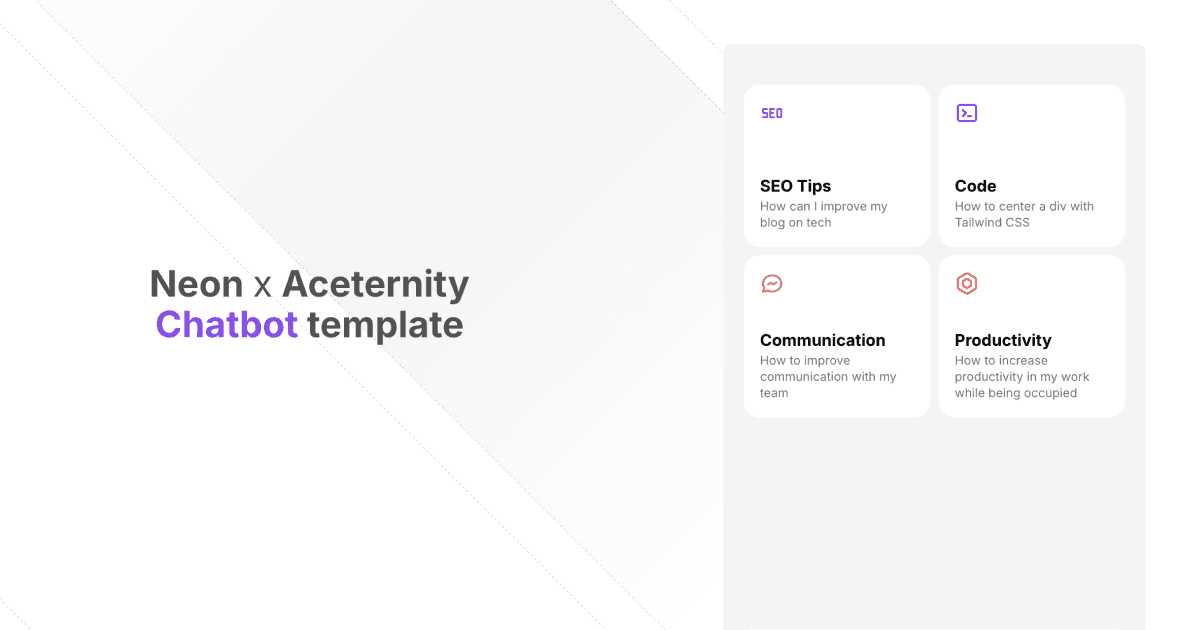
Neon x Aceternity Chatbot Template
A modern, interactive chatbot template built with Next.js, AI SDK, Aceternity UI, and Neon's serverless Postgres.
Features
- 🤖 Real-time streaming responses
- 💾 Persistent chat history storage with Neon serverless Postgres
- ✨ Beautiful UI components from Aceternity UI
- 🎨 Fully customizable with Tailwind CSS
- 📱 Responsive design for all devices
- ⚡ Built on Next.js 14 with App Router
Prerequisites
Getting Started
- Clone the repository:
- Install dependencies:
- Create a
.env.localfile in the root directory with the following variables:
- Set up the database schema:
- Run the development server:
Open http://localhost:3000 with your browser to see the result.
Project Structure
/app- Next.js 14 app directory containing routes and layouts/components- Reusable UI components/lib- Utility functions and shared code/public- Static assets/styles- Global styles and Tailwind CSS configuration
Key Technologies
- Next.js - React framework
- Neon - Serverless Postgres database
- OpenAI - GPT-4 language model
- Tailwind CSS - Utility-first CSS framework
- Framer Motion - Animation library
- Aceternity UI - UI components
Deployment
The easiest way to deploy your Next.js app is to use the Vercel Platform.
- Push your code to a GitHub repository
- Import your repository to Vercel
- Add your environment variables in the Vercel dashboard
- Deploy!
Contributing
Contributions are welcome! Please feel free to submit a Pull Request.
Acknowledgments
- Aceternity UI for the beautiful UI components
- Neon.tech for the serverless Postgres database