Paddle Mobile Web Payments Starter
Paddle Billing is the developer-first merchant of record. We take care of payments, tax, subscriptions, and metrics with one unified API that does it all.
This is a Next.js starter project for implementing marketing pages, including a pricing page, and Paddle checkout on Web for an iOS app.
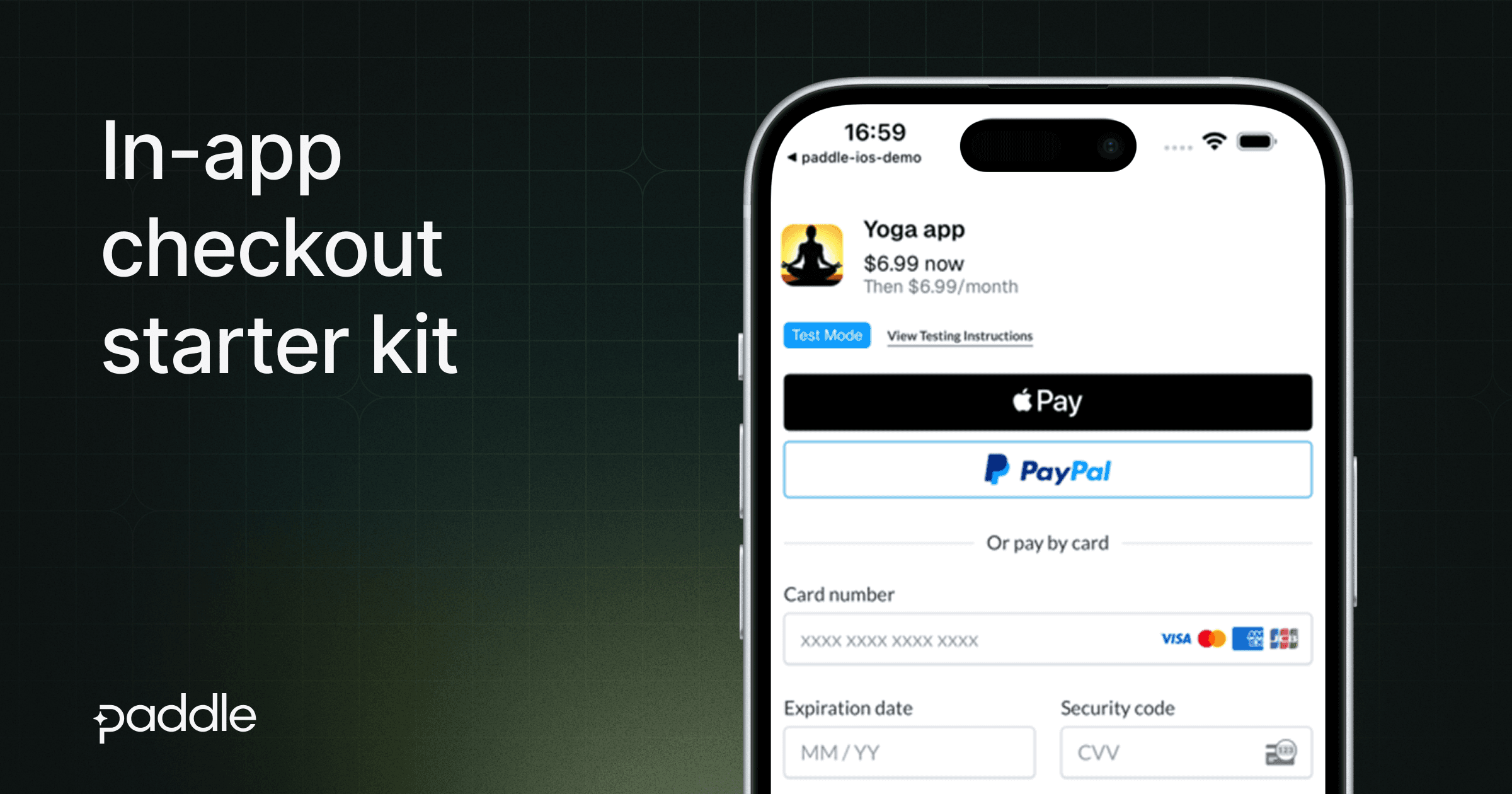
As of April 30, 2025, Apple's updated App Store rules allow app developers to use third-party payment processors like Paddle for in-app purchases. This starter shows you how to implement a web-based checkout that can be opened from iOS apps.
Even though you're redirecting users to Web to complete their purchase, Apple pay is still supported.
⚡️ Instantly clone & deploy
🔦 About
This starter project provides a fully functional implementation of a Paddle checkout within a Next.js application that can be easily embedded into iOS apps.
✨ Features
- Global tax compliance — As a merchant of record, Paddle handles all tax calculations, collections, and remittances so you don't have to.
- Chargeback protection — Paddle manages chargebacks, combats fraud, and prevents card attacks, keeping your business secure.
- Lower fees than IAPs — Connect directly with your users to reduce fees while increasing customer lifetime value.
- Integrated with Paddle Retain — Minimize churn and maximize revenue with our comprehensive suite of retention tools.
- Buyer support included — Customers can self-serve through our portal, while Paddle handles all order inquiries.
- All-in-one payment platform — Enable new payment methods instantly without additional code or merchant accounts.
📦 Included packages
- Next.js 15
@paddle/paddle-jsfor launching a checkout- React 19
- TypeScript
- Tailwind CSS
🏁 Getting started
Development
First, run the development server:
Open http://localhost:3000 with your browser to see the checkout page.
Environment variables
Create a .env.local file based on .env.example with the following variables:
APPLE_TEAM_ID- Your Apple Team ID (for Universal Links)NEXT_PUBLIC_BUNDLE_IDENTIFIER- Your iOS app's bundle identifierNEXT_PUBLIC_APP_REDIRECT_URL- The redirect url back to your appNEXT_PUBLIC_PADDLE_CLIENT_TOKEN- Your Paddle client tokenNEXT_PUBLIC_PADDLE_ENV- Paddle environment (sandboxorproduction)
For more detailed setup instructions, check out Paddle's documentation to deploy your starter app and launch a checkout from iOS.